BBeats (Beta)
From first idea to finished track.
A music-production studio for Windows and your browser.
BBeats brings drum programming, a Piano Roll, multitrack arrangement, audio editing, instruments, web audio plugins (WAMs), effects, automation, mixing, and export into one workspace. Sketch a loop for a game jam, build a soundtrack, or keep developing an idea into a full song. Open the studio and go straight to the editor.
PUBLIC BETA · FREE TO USE · OPTIONAL $10 DONATION
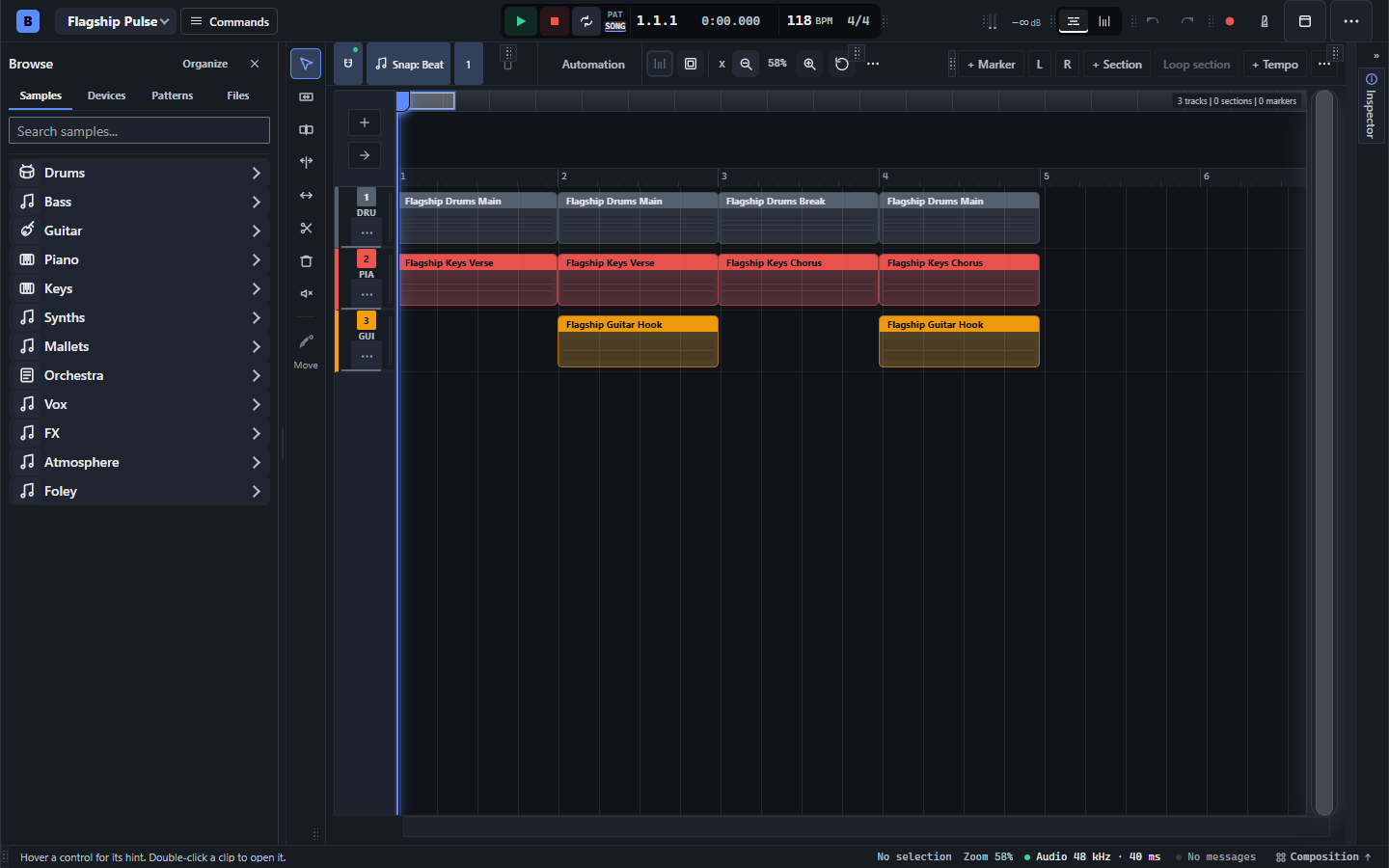
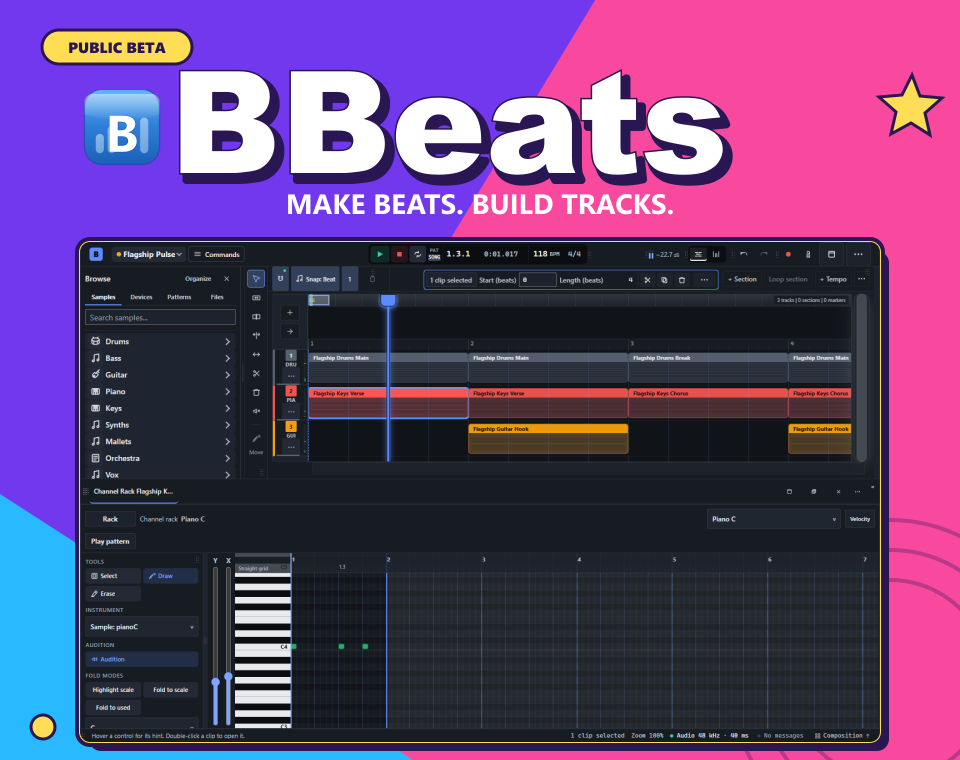
Build a track from patterns, with your sound library and arrangement in one workspace.
Web plugins: instruments, effects, and sound design
Yes, BBeats hosts browser audio plugins. The beta uses Web Audio Modules (WAMs): instruments and effects that run in the browser. If you think of them as “web VSTs,” this is the feature to explore; WAM is the supported plugin format, rather than desktop VST/VST3/AU files.
- Playable web instruments: Soundfont Player, DRM-16 DrumComputer, Synth-101, Spectrum: Modal, and simple oscillator instruments, alongside the sampled sound library. Availability and behavior vary by plugin/browser.
- Effects for your tracks: gain, filters, EQ, compression, delay and ping-pong delay, reverb, distortion, tremolo, chorus, and phaser, plus compatible external WAM effects from the device catalog.
- Build device chains: add instruments and effects to tracks, reorder or bypass devices, and open a plugin’s own interface where it provides one. Exposed parameter controls remain available in the rack.
- Explore and reuse sounds: audition devices, choose available factory presets, reset parameters, and compare two parameter settings with A/B slots.
- Macro controls and automation: assign exposed plugin parameters to named macros, manage assignments in the modulation matrix, and automate supported parameters in the arrangement.
- Reusable channel strips: save a device chain as a named channel-strip template and apply it to selected tracks. Project saving includes device settings/state for supported plugins.
This is a beta plugin host. Individual plugins can have their own loading requirements and limitations; some need additional network resources.
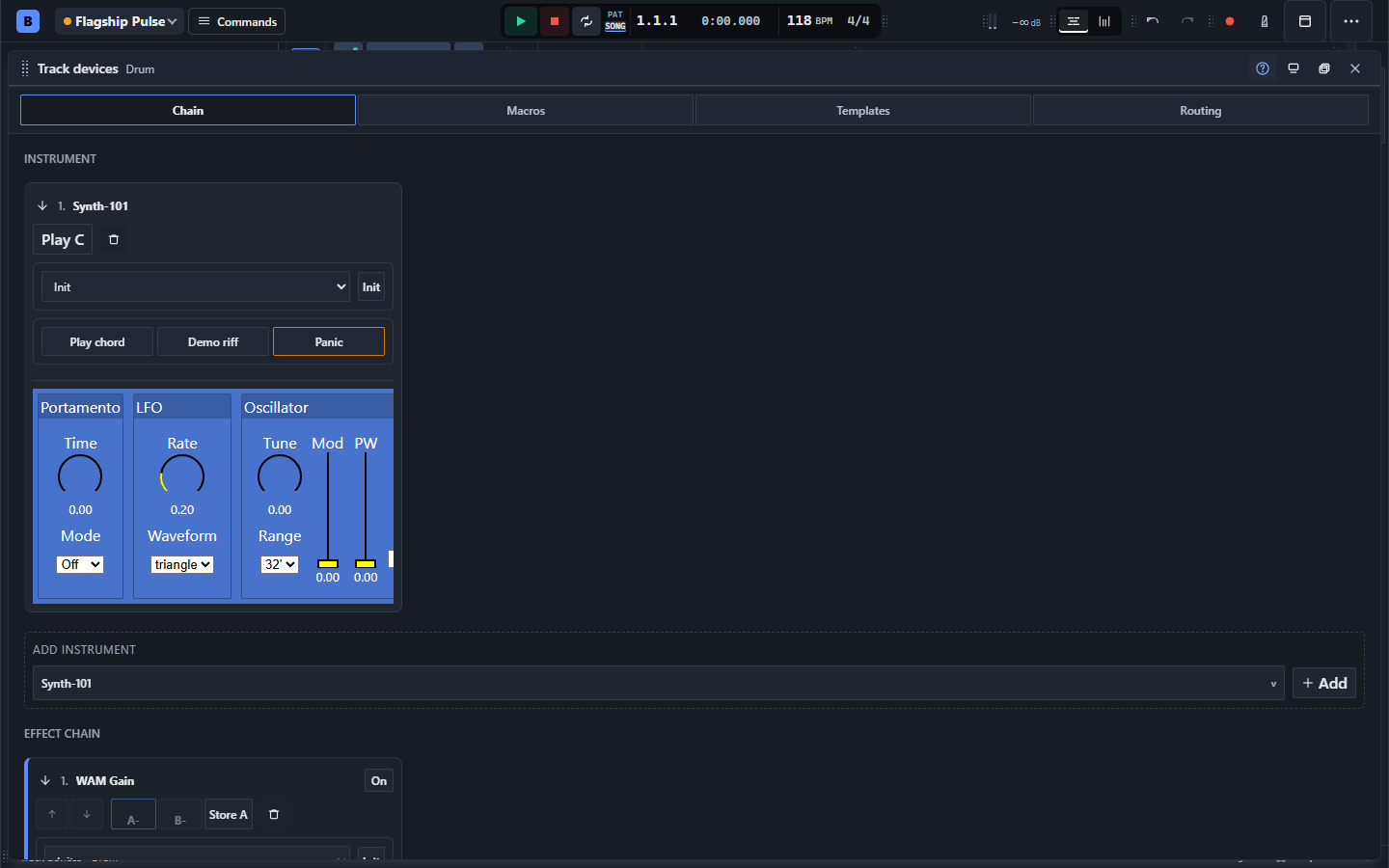
A real Synth-101 WAM instance inside BBeats. The rack also exposes chain, macro, template and routing tools.
Feature overview
Explore the beta by workflow: compose, arrange, record, design sounds, mix, export, and shape your workspace.
Compose and sequence
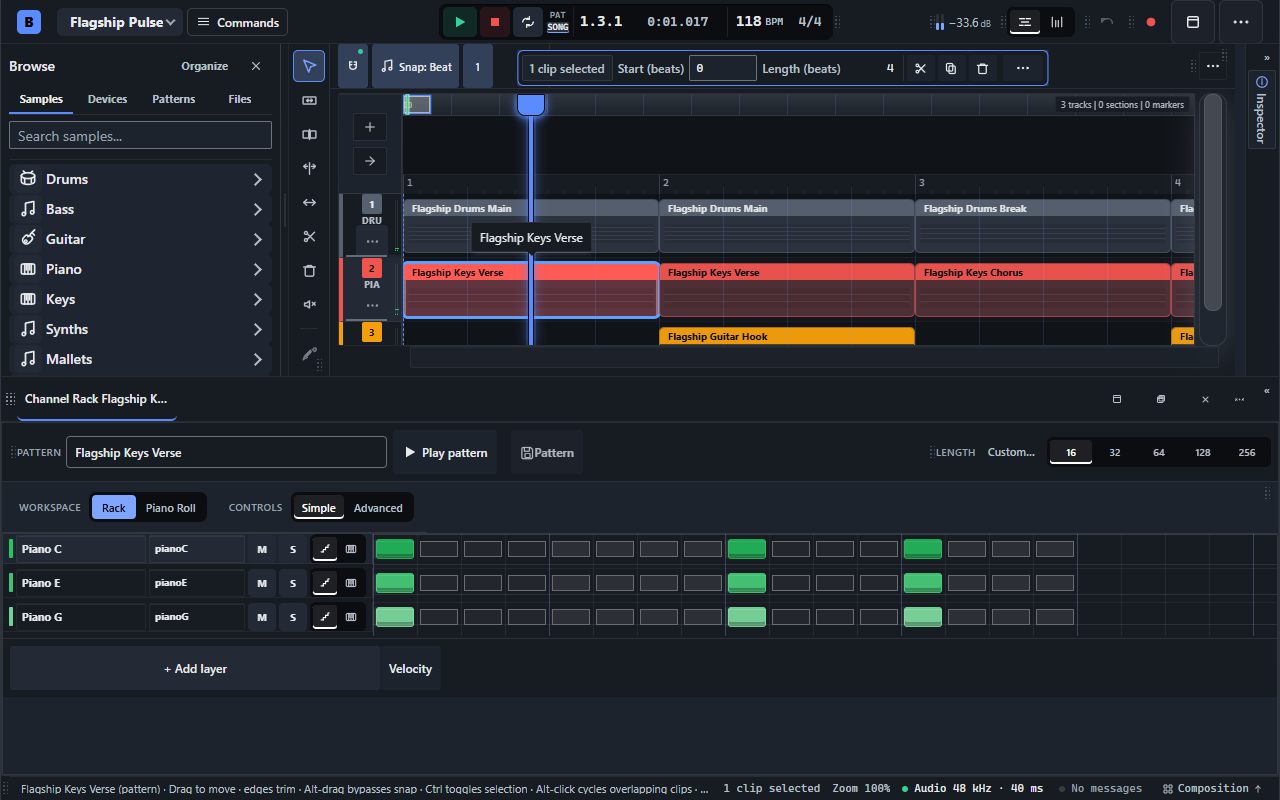
- Channel Rack and step sequencer: build drum grooves and melodic patterns, edit individual channels, vary row lengths, adjust velocity and swing, and fill repeating steps.
- Piano Roll: draw, move, resize, duplicate, mute, and select notes; work with snap, quantize strength, swing, scales, ghost notes, and expressive velocity editing.
- Creative note tools: reshape ideas with transforms including arpeggiation, humanization, strum, and pitch flips. Generate chord progressions with key and scale choices, chord locks, inversions, and a conventional-to-adventurous control.
- MIDI workflows: import and export MIDI, enter notes with a typing keyboard, and use Web MIDI input on supported browsers and devices.
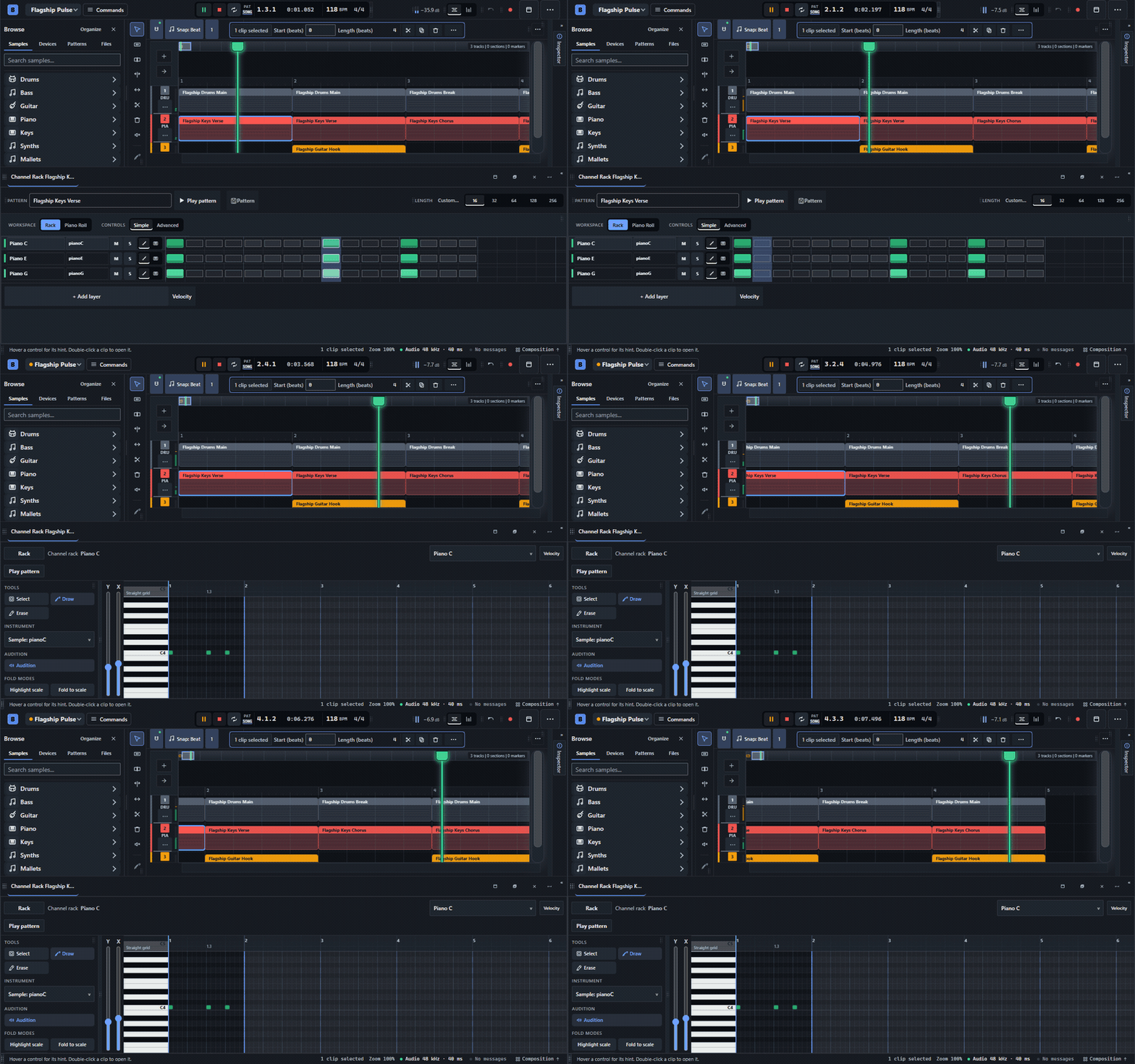
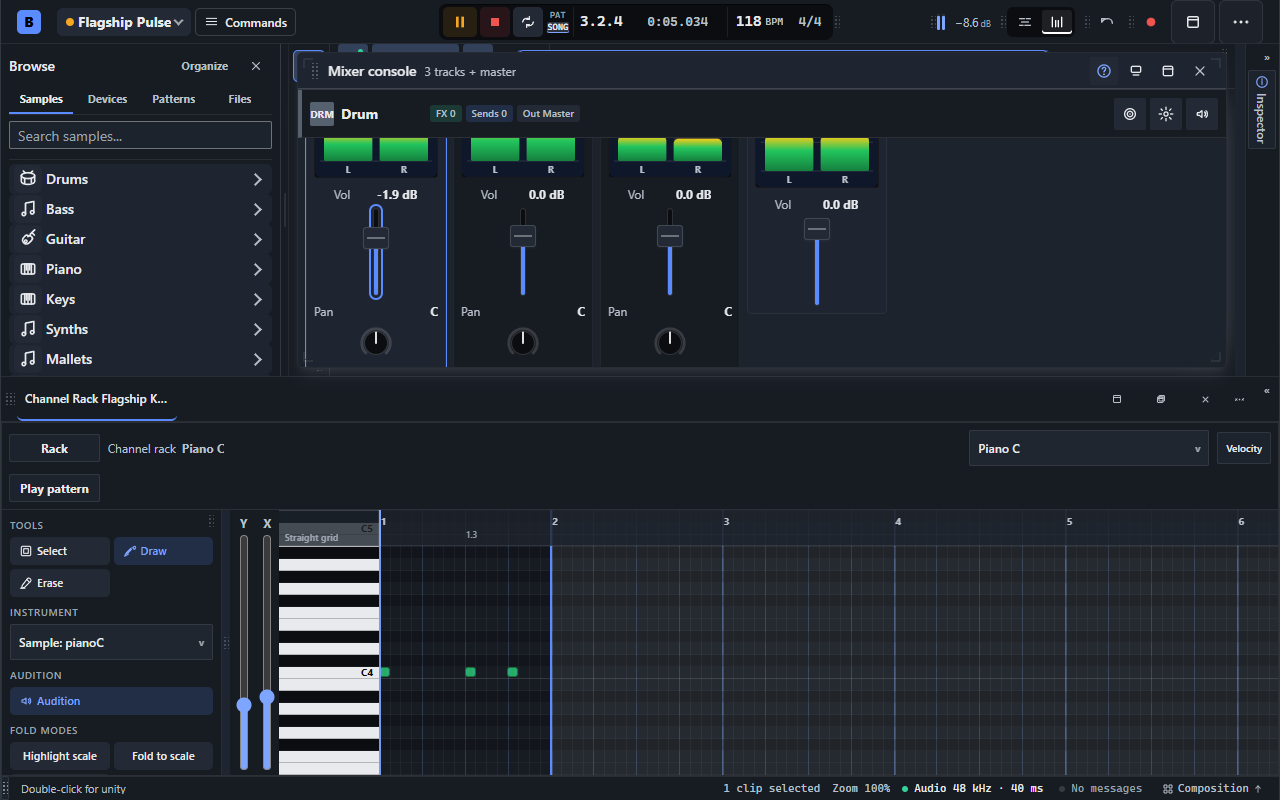
One pattern, two ways to shape it: rhythmic steps and precise notes.
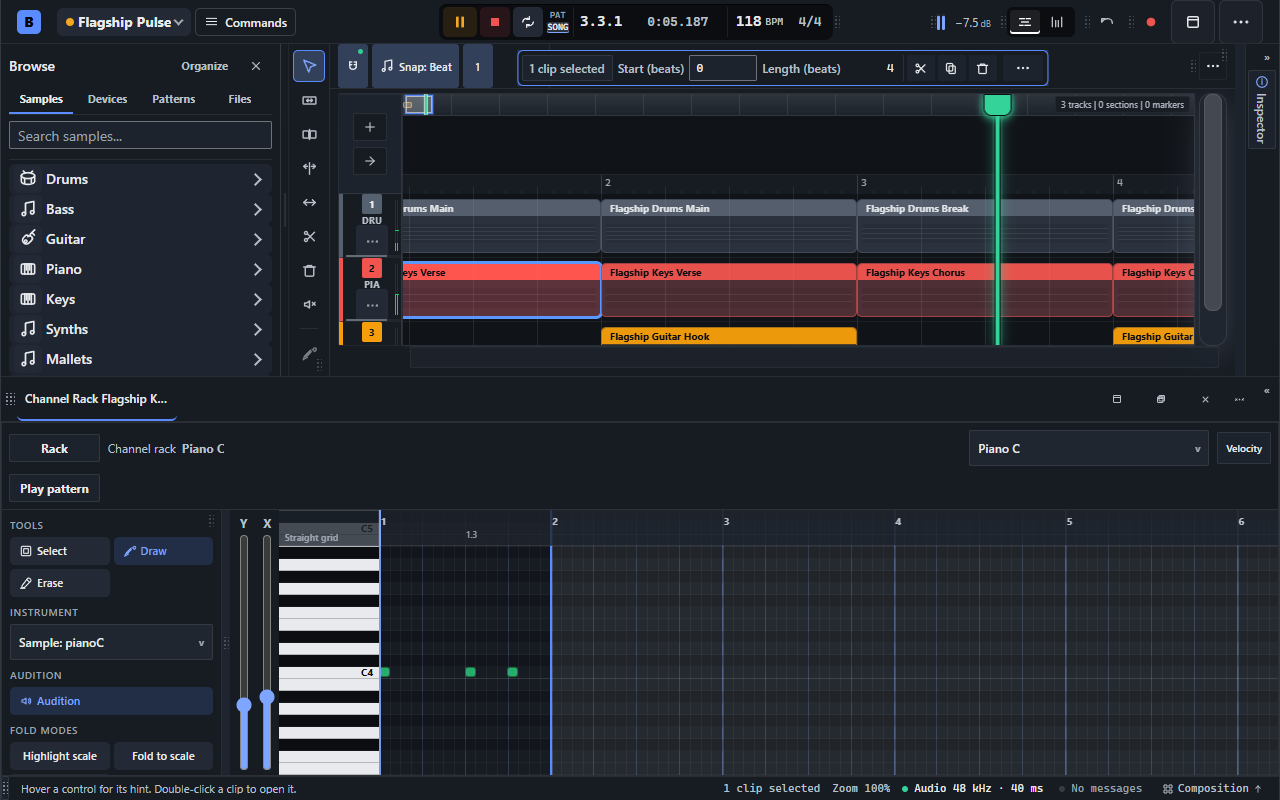
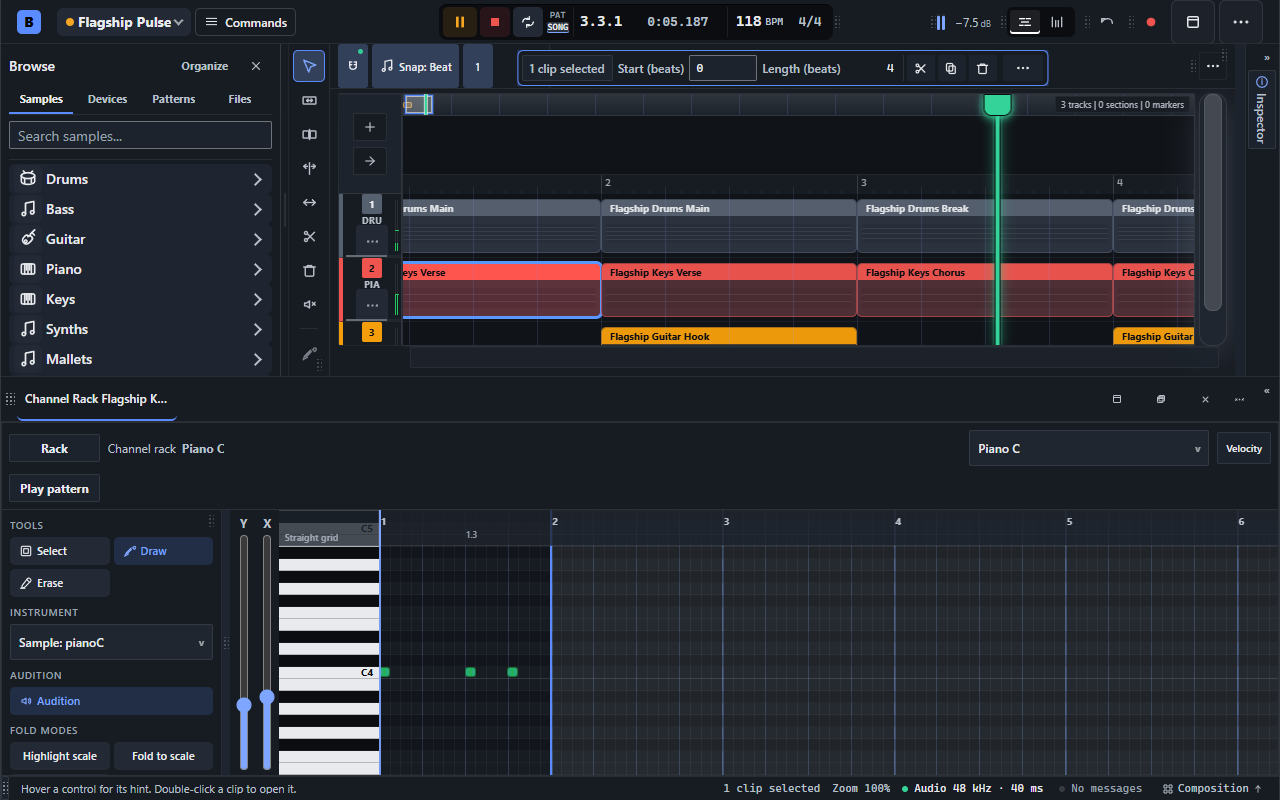
Work on the notes in a pattern while keeping the surrounding arrangement in view.
Arrange beyond the loop
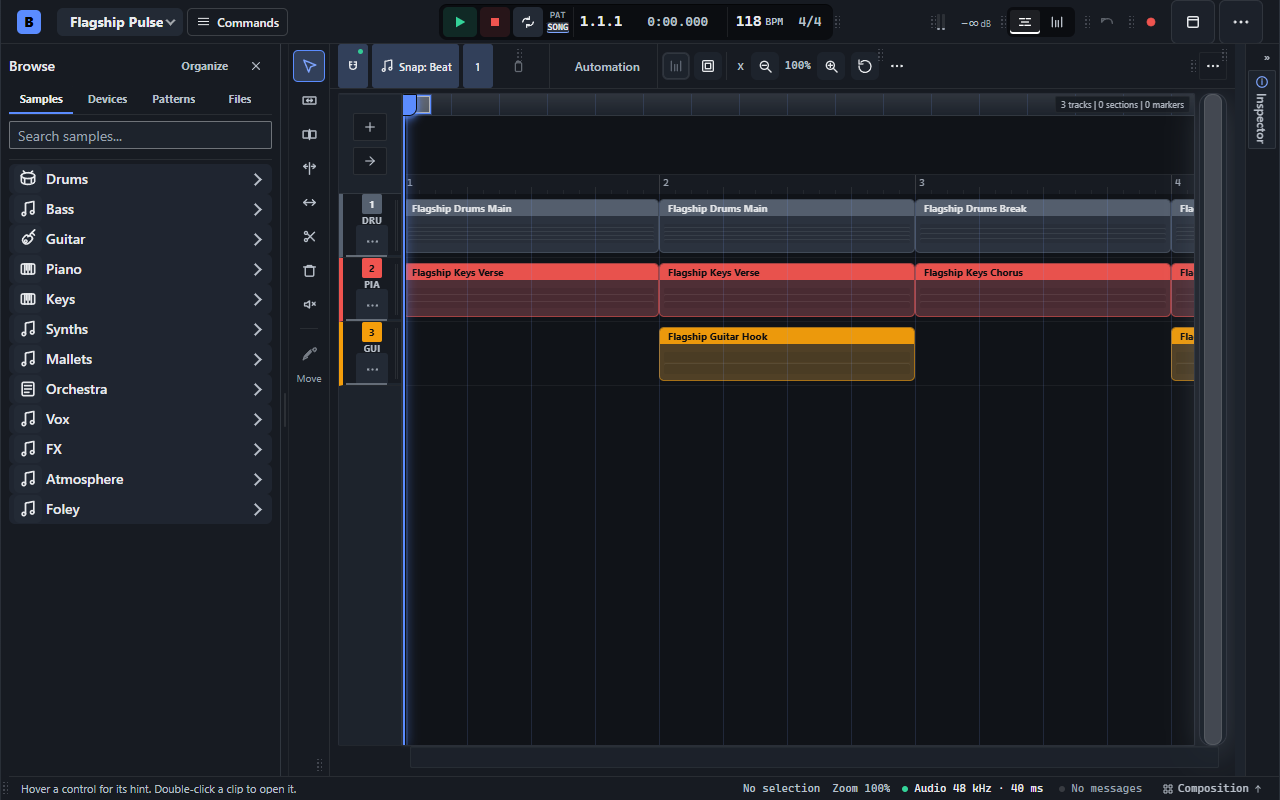
- Multitrack timeline: combine patterns, audio clips, and automation; move, trim, split, duplicate, and make individual pattern clips unique.
- Song structure: organize tracks and folders, add markers and sections, work with loop and selection ranges, and shape the arrangement with tempo and time-signature changes.
- Precise editing: zoom and navigate the arrangement, use snapping and selection tools, edit groups of clips, and insert or remove time.
Record and reshape audio
- Bring your own material: import audio clips or aligned stems, drag files into the editor, and record audio to an armed track with browser microphone permission.
- Detailed clip editing: work with waveforms, trim and slip edits, fades and crossfades, clip gain, reverse, normalization, and transient-based slicing.
- Pitch and timing: use pitch controls, pitch and gain envelopes, and stretch markers to reshape material inside a clip.
- Commit a sound: render a selection, bounce material to audio, and consolidate clips for the next stage of the arrangement.
Build your sound
- A broad sound library: browse and audition hundreds of bundled sounds across drums, bass, guitar, piano, keys, synths, mallets, orchestra, and more. Search your library and organize your own files and patterns.
- Instrument channels: play sampled sounds and browser instruments from your patterns. Bundled Web Audio Modules include synth, drum-machine, and soundfont options.
- Device chains: add instruments and effects, reorder or bypass devices, edit their parameters, and work with available plugin interfaces and presets.
Mix, automate, and finish
- Mixer console: balance tracks and instrument channels with faders, pan, mute and solo, meters, sends, and routing. Select multiple strips and adjust linked faders together.
- Automation: edit points and curves for supported track and device controls, use automation clips and envelopes, and record supported parameter gestures into the arrangement.
- Mastering workspace: keep loudness targets, peak and loudness meters, master-chain status, target presets, mastering notes, and export-readiness checks in view.
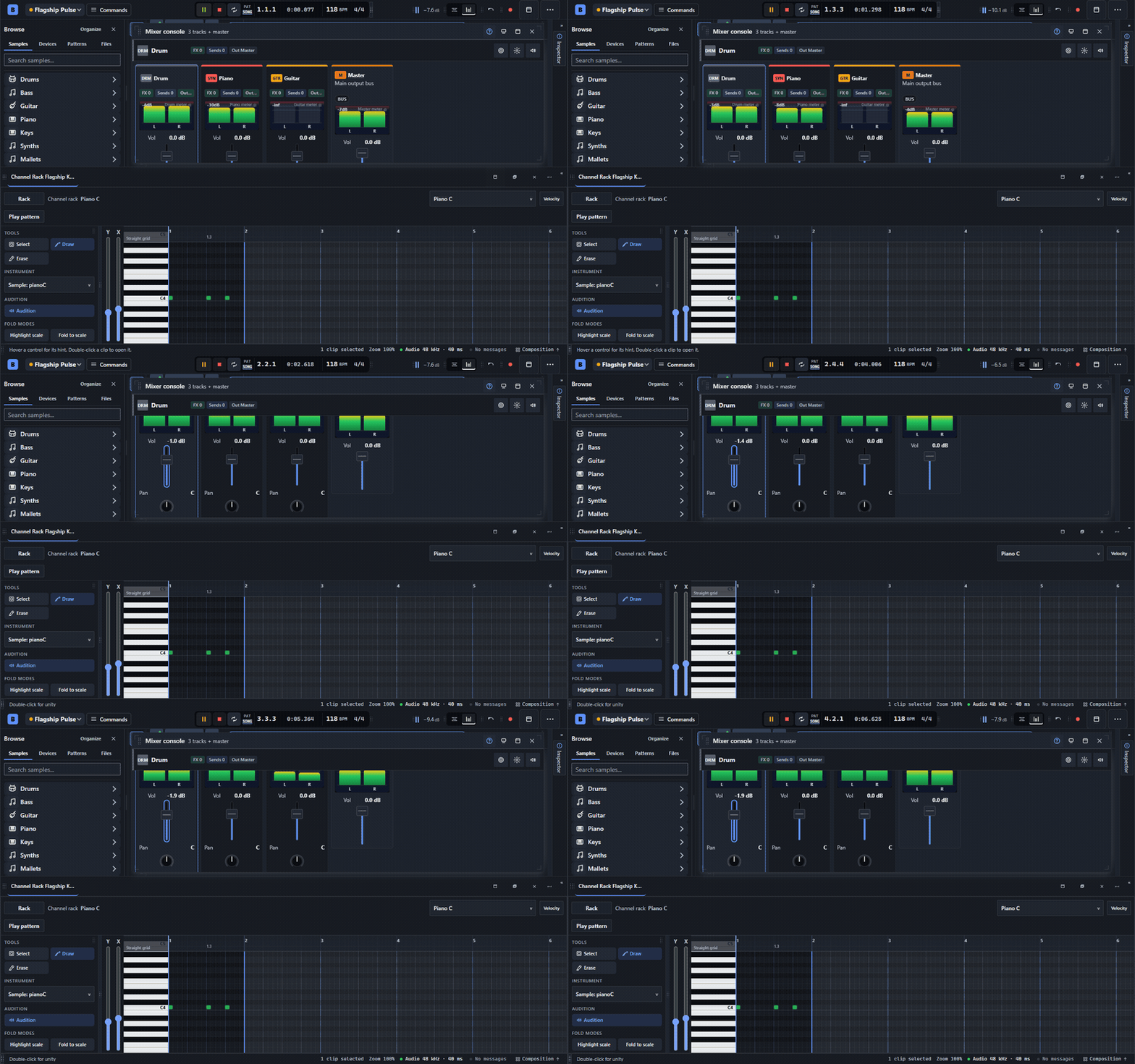
Hear the arrangement and balance its parts in the live mixer.
Export and keep your projects
- Audio and MIDI delivery: export full mixes, selected ranges, or stems. Audio formats include WAV, FLAC, OGG, MP3, and AAC/M4A; MIDI export keeps note-based material editable. Available codecs and advanced options depend on the browser.
- Local beat library: save and reopen ideas in your browser, import and export project files, and save a new project version as your track develops.
- Room to experiment: undo and redo edits, inspect history, recover a previous editor session, and keep downloaded project backups.
Make the workspace yours
- Flexible panels: dock, float, resize, split, and rearrange the tools you are using. Switch between composition, arrangement, mixing, and sound-design layouts, or save a named workspace.
- Fast access: searchable commands, keyboard shortcuts, contextual actions, a shortcut reference, and feedback that stays with the operation you are performing.
- Your screen, your setup: multiple themes, interface scaling, compact layouts, and touch-oriented editing controls alongside the desktop workspace.
New here? Follow the arrows.
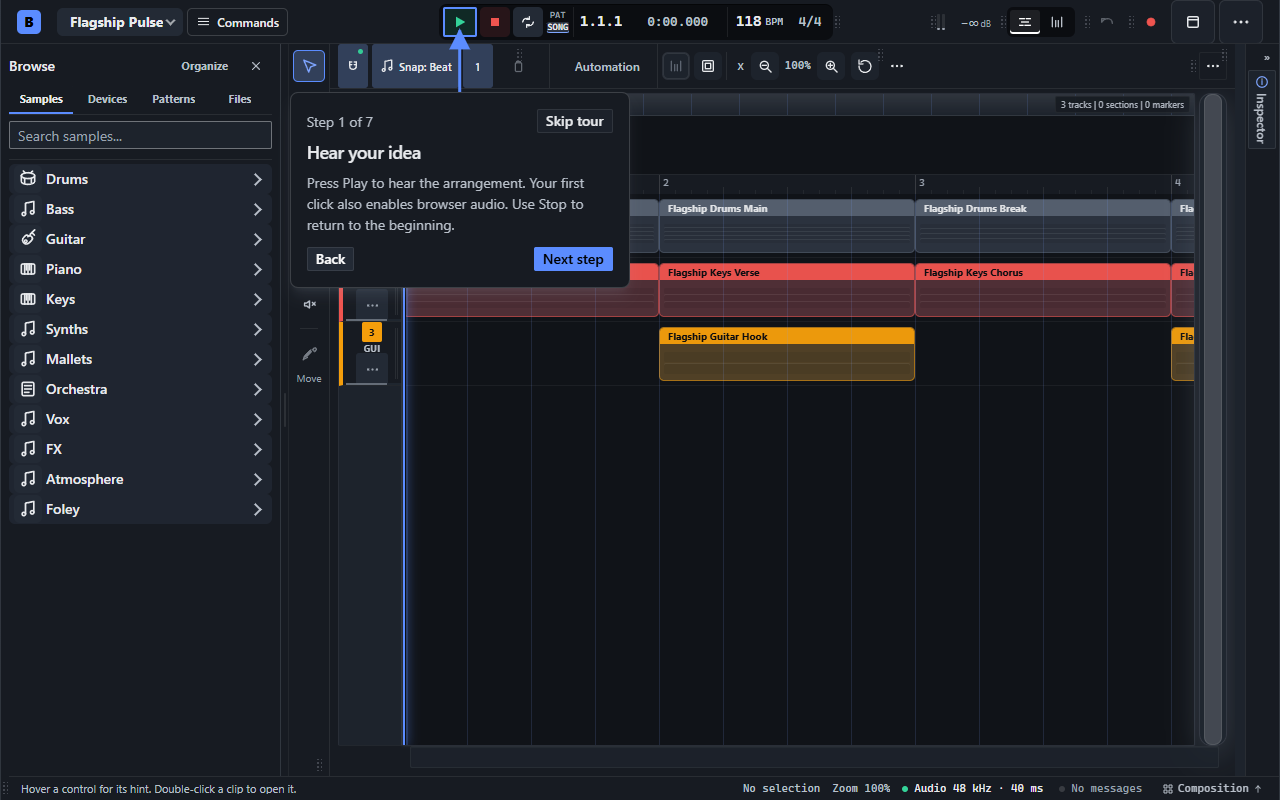
Open Help → Take the guided editor tour, or search for tour in the command palette. On a keyboard, ? opens Help. Seven short steps point at the real editor, from your first playback to saving and exporting. Try the controls as you go; skip or replay whenever you like.
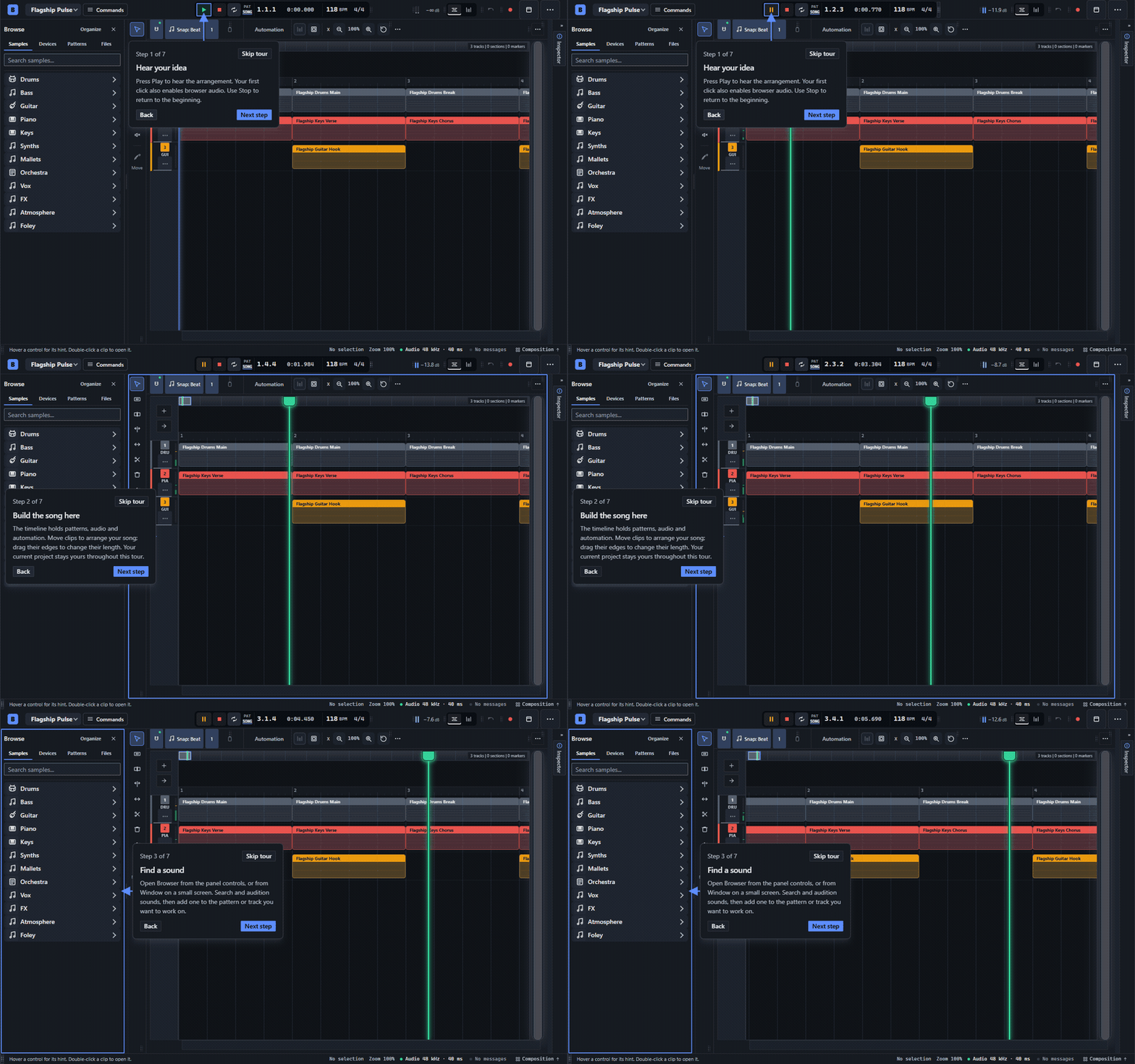
A live, optional guide. Your project stays in place.
Press play. See where it goes.
- Run the studio in fullscreen. Choose a starter arrangement, load a demo beat, or start a new pattern.
- Add a sound and press Play to enable browser audio.
- Edit your steps or notes, arrange the track, and save your project.
Install the Windows beta
Download BBeats Beta — Windows installer (64-bit) below, run the Setup EXE, choose an installation folder, and launch BBeats from the Start menu or desktop shortcut. The editor, Electron runtime, sound library, and bundled WAM plugins are included. No Python, Node, or local server setup.
The Windows beta is currently unsigned, so Windows may show an unrecognized-app prompt. Download it from this official project page. Some third-party plugins may need additional online resources.
About this beta
BBeats is actively developed. Use the Windows installer, or a current desktop Chrome or Edge browser for the full studio; compact and touch layouts are also available. Recording, Web MIDI, plugins, and some export formats depend on browser support and permissions. The browser build needs an internet connection for its sound library, and some instruments may load additional resources.
Projects are stored locally on your device. Download project backups for work you want to keep: clearing browser or application data can remove local projects. The browser and Windows editions keep separate libraries; export a project file to transfer work between them.
Found a bug or have an idea? Leave a comment with your browser, device, and the steps to reproduce it.
Keep the music going
The beta is free. If BBeats helps you make something, an optional donation supports continued development. $10 is suggested—choose another amount, or skip the donation and create for free.
Download
Click download now to get access to the following files:
Leave a comment
Log in with itch.io to leave a comment.